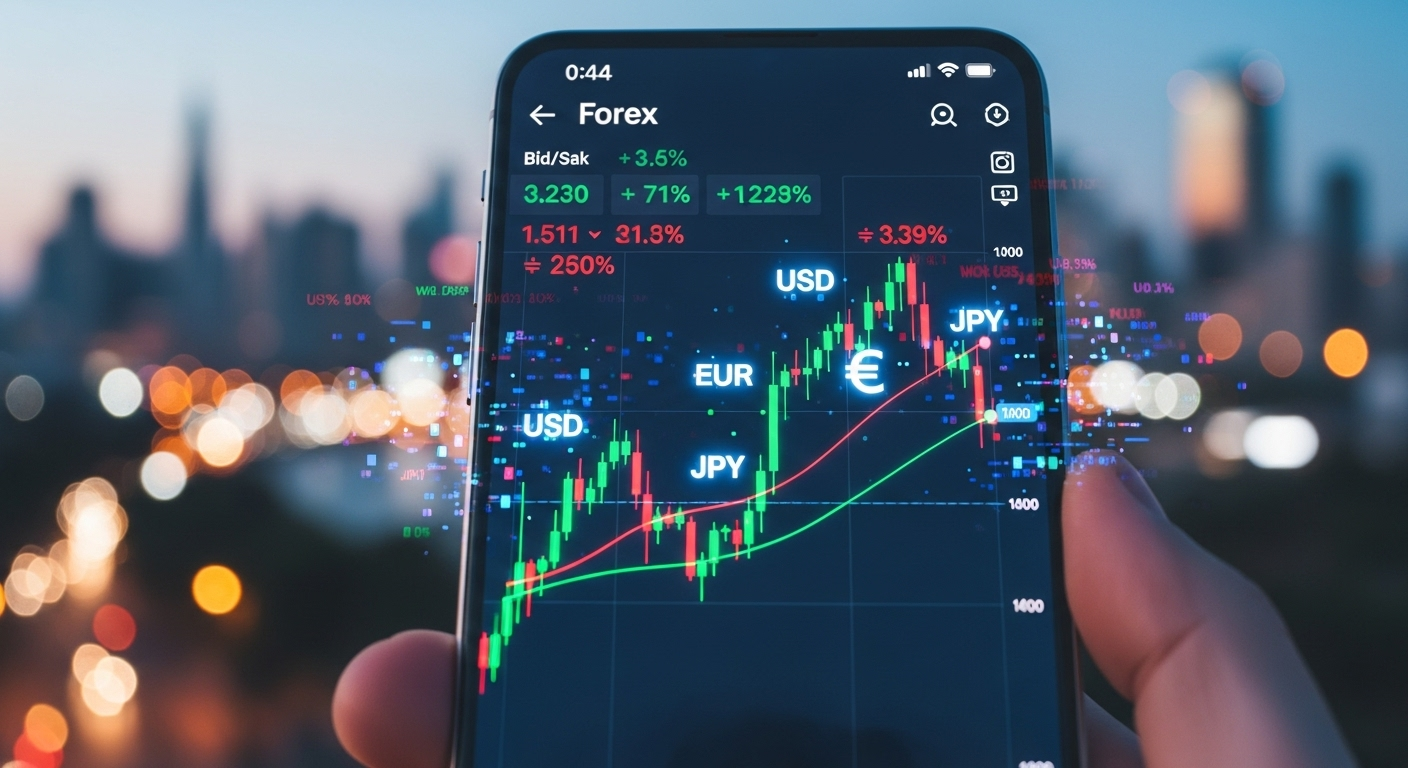
Trading forex doesn’t have to mean being glued to your desk—your smartphone can be your trading cockpit. Whether you’re commuting, waiting for a meeting, or simply want to monitor the markets on the move, the right forex trading app makes all the difference. This article will walk you through what to look for in a mobile trading app and spotlight some of the top options for active traders.
✅ What Makes a Great Forex Trading App?
Before we jump into specific apps, let’s talk about the must‑have features that separate good apps from great ones:
- Stable, fast order execution: Price moves quickly in forex. You want an app that doesn’t lag or freeze when you hit “Buy” or “Sell”.
- Full charting tools & indicators: Good apps let you draw trendlines, apply moving averages, RSI, Bollinger Bands etc.—not just basic price lists.
- Intuitive interface & navigation: A clear layout matters, especially on smaller screens. Easy switching of timeframes, quick access to watch‑lists and trade tickets is key.
- Alerts & push notifications: Set price alerts, get notified when your trade is filled or when news impacts your currencies.
- Secure & regulated: Ensure the app comes from a well‑regulated broker and uses strong security (2‑factor login, encryption).
- Demo account capability: The chance to trade with virtual money helps you test both the app and your strategy risk‑free.
- Cross‑device sync: Some apps sync your mobile trades with desktop or web platforms so you can start on one device and continue on another seamlessly.
🔝 Top Forex Trading Apps for Mobile Traders
Here are some of the best mobile apps out there for forex trading, each with its own strengths:
- IG Trading: Often rated the top overall app. Great for mobile technical analysis—hundreds of indicators, multiple chart types and solid news integration.
- MetaTrader 4 (MT4) Mobile & MetaTrader 5 (MT5) Mobile: Very popular across brokers. Supports custom indicators, Expert Advisors (EAs), multiple timeframes and chart types. Great for serious traders who want full control.
- cTrader: Favoured for its clean design, transparency (especially for ECN traders) and advanced market‑depth views.
- City Index App: Excellent mobile experience with integrated research, real‑time news and strong charting tools. Ideal for traders who want both analysis and execution on the go.
🎯 Which App is Right for You?
Here’s how you might pick based on your style:
| Your Style | Best Fit |
|---|---|
| You want full trading power & custom tools | MT4/MT5 or IG Trading |
| You trade on short‑term moves or ECN style | cTrader |
| You like research + analysis + mobile convenience | City Index App |
Also consider:
- Your experience level: Beginners might prefer simpler layout & fewer tools; advanced traders might demand full‑feature suites.
- Broker compatibility: Some apps tie you to specific brokers; pick one that supports your preferred broker or has strong regulation.
- Device & location: Mobile performance may vary by OS (iOS vs Android) and by your country (local deposits/withdrawals, regulation).
👀 Quick Tips Before You Download & Trade
- Test with a demo first: Most apps let you trade virtually. Use it to test features and speed.
- Check spreads & execution on mobile: Some brokers charge different spreads for mobile trading.
- Use alerts wisely: Price alerts can help you stay connected without staring at the screen.
- Keep your phone secure: Use strong passwords, biometric login, and avoid public WiFi for trading.
- Stay informed: Use mobile news feeds, economic calendars and push‑alerts to stay on top.
🏁 Final Word
If you want to trade forex while moving, the right mobile app is your power tool. The top apps today give you serious functionality—charting, analysis, execution—all from a pocket device. Whether you’re a beginner or a seasoned trader, choosing an app that fits your style and needs is key.
Pick the one that feels comfortable, test it, and make sure you’re trading via a regulated broker. Then, you’ll be set to trade the markets without being tethered to your desktop.